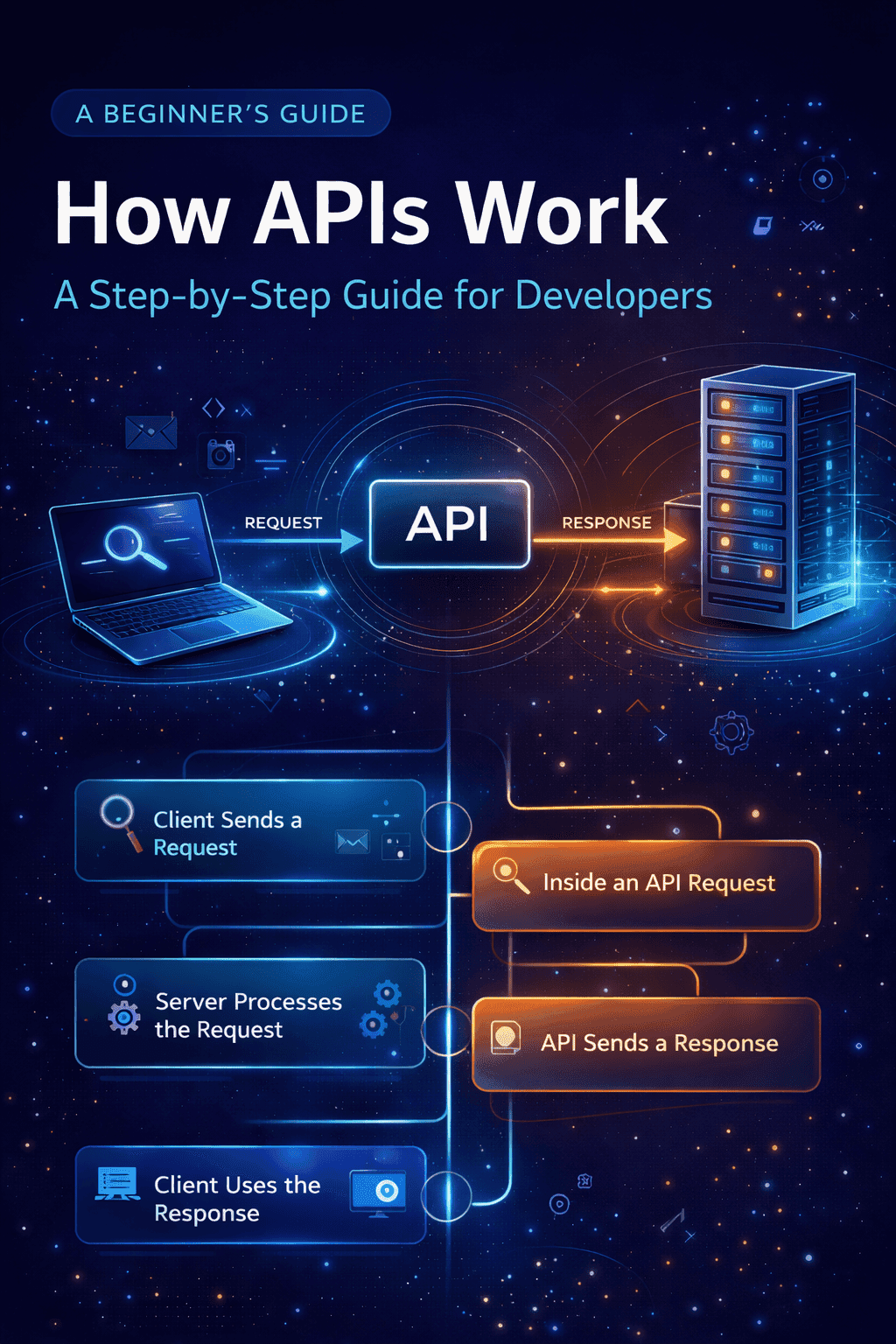
Wondering how APIs actually work behind the scenes? This step-by-step guide breaks down requests, responses, validation, and error handling in a simple, developer-friendly way.
Alright, so you've already checked out our last piece, APIs Explained for Developers (a must-read, seriously!), and you get the basic idea of what an API is. Cool. Now, let's pull back the curtain and see how these things actually work—the real "under the hood" stuff.
Remember that whole government office and form-submission analogy? It gave you the gist, sure, but the reality is way more detailed. Think about it: when you submit a form to a bureaucratic office, there's validation—is the info right? Is the format correct? Did you send it to the right place? Mess up any of that, and you're looking at a delay or a flat-out rejection. APIs are basically the same.
So, for this article, we're going to zoom in on the critical steps. We'll talk about how you have to submit your request just right and how that whole validation process works to make sure your API interactions are a smooth success. Let's dive in!
The Big Picture: How APIs Work
Throughout the previous article, you got to know about the Request-Response Cycle. Though explained lightly, the setup works in steps like the following step when submitting a form.
Client Sends a Request
This is where the API's Request-Response Cycle kicks off! Think of it as the opening act. Your client—be it the browser you're using, that cool mobile app, or maybe another server—starts the conversation. The client gathers all the necessary info and wraps it up into a neat, structured message package, which it then zips across the internet to the server it wants to talk to.
The client's job here is to make sure the server clearly understands three things:
What it wants: This is communicated using HTTP methods (like GET for just looking at and reading data, or POST for creating new data or sending information) and the Endpoint (the exact address the message is aimed at).
Who is talking?: This is where Authentication comes in, usually with stuff like API Keys or OAuth details, sent securely via the Headers.
Any extra data needed: For actions like submitting a form or changing a resource (POST or PUT), the client includes the actual data payload in the request's Body.
This step is critical. If the request is malformed, missing authentication, or sent to the wrong endpoint, the server will return an error. So, the client has to make absolutely sure the request package it sends is spot-on and perfectly structured.
What’s Inside an API Request
When a client sends an API request, it doesn’t just send random data to the server. Instead, it sends a structured message that the server knows how to read and interpret.
You can think of an API request like filling out a form. Each piece of information has its own place, and the server expects the data to be organized in a specific way. If the structure is wrong, the request won’t make sense—even if the information itself is correct.
An API request is made up of a few important parts.
EndPoint (URL): The endpoint is the specific address the request is sent to. It tells the server where the resource is and what data or functionality the client wants to access.
For example:/weathermight represent general weather data/weather/new-yorkmight represent weather data for New York.
The endpoint answers a simple question:
“Where should the request go?”
HTTP Method (Verb): The HTTP Method tells the server what action the client wants to perform on the requested source. This can range from fetching specific data like getting weather data of New York or submitting data for example: when you submit a form.
Some Common Methods that are used to control this communication include:GET – Used for retrieval of data.
POST – Used for submission/sending data.
PUT – Used for updating existing data.
DELETE– Used for removal of data.
The method answers the question:
“What does the client want to do with the provided data?”
Headers (The Metadata): Headers are the part of the api request that carries additional information about the request. Those information that provides additional context about the request, like who is sending the data? Or what kind of data?, which helps the server to process the request in the correct pattern.
Headers may include:The format of the data being sent (for example,JSON, XML).
Authentication details about the user.
Information about the client making requests.
You can think of headers like the instructions attached to the request.
Request Body: The request body contains the actual data being sent to the server. This part is usually present when the client is submitting or updating information.Examples of data in the request body are:
Form Input Values
JSON Objects
User details or other information
Just like filling out the license application form, the data in the request body needs to be structured correctly. In case any necessary fields in the body is missing or filled in incorrect format, the server might reject the request
Now that you understand what an API request looks like, the next step is to see what happens when the server receives the request and how it processes the request behind the scenes.
How the Server Processes an API Request
Once an API request reaches the server, the work doesn’t stop there. The server doesn’t immediately send a response back—it first needs to understand, verify, and process the request.
Although this entire process usually happens in milliseconds, there are a few important steps involved behind the scenes.
Step 1: Validating the Request
The first thing the server does is check whether the request is valid.
This includes verifying:
Whether the endpoint exists
Whether the HTTP method is allowed
Whether the request data is structured correctly
If something is missing or malformed, the server may reject the request right away instead of continuing further.
Step 2: Checking Authentication and Permissions
If the API is protected, the server then checks who is making the request and whether they are allowed to access the requested resource.
At this stage, the server may:
Verify API keys or tokens
Validate OAuth credentials
Check user permissions
If authentication fails, the server stops processing and returns an error response.
Step 3: Running the Business Logic
Once the request passes validation and authentication, the server performs the actual work.
This might involve:
Fetching data from a database
Updating existing records
Performing calculations
Communicating with other internal services
This step is where the core purpose of the API is fulfilled.
Step 4: Preparing the Response
After the server completes the required operations, it prepares a response to send back to the client.
The response typically includes:
The result of the operation (such as requested data)
A status code indicating success or failure
Any additional information needed by the client
At this point, the server’s job for this request is essentially done.
Now that the server has processed the request and prepared a response, the final step is to see how that response is sent back and how the client uses it.
How the API Sends a Response (And How the Client Uses It)
After the server finishes processing the request, it’s time to send something back. This is where the API response comes in.
Just like requests, responses follow a structured format so the client knows exactly how to understand and use the result.
Step 1: The API Sends a Response Back
Once processing is complete, the server sends a response back to the client through the API. This response is not just raw data—it includes context about what happened during the request.
A typical API response contains:
A status code indicating success or failure
A response body with data or error details
Optional headers with additional information
This structure ensures that the client doesn’t have to guess whether the request worked or not.
Step 2: Understanding Status Codes
Status codes are short numeric values that describe the outcome of the request.
Some common examples include:
200 – The request was successful
201 – Data was successfully created
400 – The request was invalid
401 / 403 – Authentication or permission issues
404 – The requested resource was not found
500 – Something went wrong on the server
These codes act like signals, quickly telling the client what happened without needing to inspect the entire response.
Step 3: The Response Body
The response body contains the actual data returned by the API, usually formatted in a structured way such as JSON.
Depending on the request, the response body may include:
Requested data (for example, weather details or user information)
Confirmation messages
Error details explaining what went wrong
If the request was successful, the client focuses on the data. If it fails, the client looks at the error information instead.
Step 4: How the Client Uses the Response
Once the client receives the response, it decides what to do next.
This might involve:
Displaying data on the screen
Updating the user interface
Showing an error message
Triggering another action or request
From a user’s perspective, this entire process feels instant. But behind the scenes, the client and server have just completed a full request–response cycle.
Handling Errors: When Things Go Wrong (and They Will)
Look, not every API call is going to work perfectly, and that’s just how it is. But the best apps? They don't just freak out when there's a hitch—they handle errors smoothly.
Instead of just hoping for the best, the app needs to check a few things:
The status code (like 404 or 500)
The message that comes back
Any details about what went wrong
This lets your application be smart about a failure. Maybe it tries again, maybe it asks the user to fix something, or maybe it just shows a nice, helpful message instead of a crash screen.
So, now you've got the full picture of an API call, from sending the request to the server doing its thing and finally getting the answer (or the error).
With this core idea down, things like REST APIs, logins, rate limits, and dealing with errors will all click into place, because they’re all just built on this same basic back-and-forth flow.